
8 min read
TL;DR: Setting up your first Airbnb requires four phases: legal/permits (1–2 weeks), listing setup (3–5 days), physical preparation (budget $600–$2,500), and guest operations systems. Most first-time hosts skip the legal phase entirely – a costly mistake in cities like NYC, LA, and Nashville where fines reach $7,500/day. Start with a permit check, then build your listing, stock supplies, and establish communication templates before accepting your first booking.
What Does a First-Time Airbnb Host Setup Actually Involve?
Setting up your first Airbnb involves four distinct phases: securing legal permissions, building your listing on the platform, preparing your physical space, and establishing guest communication systems. The difference between a 5-star listing and an average one often comes down to preparation depth, not luck.
Most first-time hosts spend 2–4 weeks on the full setup process, and our guide to starting your first Airbnb covers each phase in detail. Airbnb's own onboarding documentation suggests listing setup takes "a few days to a week," but that assumes permits are already handled. Your total setup cost typically ranges from budget-friendly to mid-range depending on furnishings and amenities. According to Lodgify's host research, hosts with professional photos can see up to 20% more bookings and earnings – but photography alone costs $200–$500.
Phase 1: Pre-Launch Checklist – Legal, Insurance, and Permissions
This is the phase most beginner checklists skip – and the one that causes the most expensive mistakes. Before you take a single booking, you must confirm three things: your lease or deed allows short-term rentals, your city requires a permit, and your insurance covers hosting activity.
Legal and Permit Checklist:
- Review your lease or HOA agreement for STR restrictions
- Check your city's STR permit requirements (required in most major cities)
- Apply for local STR permit or registration (timeline: 2–4 weeks)
- Register for state and local business taxes
- Confirm occupancy tax collection responsibility
- Upgrade homeowners or renters insurance to cover STR activity
- Review Airbnb's AirCover coverage limits and exclusions
- Document your property's condition with photos before first guest
According to NYC's official enforcement office, Local Law 18 requires short-term rental hosts to register before listing. Violations carry fines up to $5,000–$7,500 per day. Los Angeles requires a Home Sharing registration and restricts hosting to primary residences only. Nashville requires a short-term rental permit from the Metro Codes Department. Permit fees vary by jurisdiction.
Insurance is critical. Standard homeowners or renters insurance typically doesn't cover short-term rental activity. Airbnb's AirCover for Hosts includes up to $3 million in host damage protection and $1 million in host liability insurance, but excludes cash, vehicles, and certain valuables. AirCover is not a replacement for insurance – it's Airbnb's guarantee program, not a traditional policy. Dedicated STR insurance providers like Proper Insurance offer policies specifically designed to fill gaps left by AirCover, typically costing $30–$60/month.
Key Takeaway: Permits are mandatory in major markets. Budget $150–$500/year for permit fees. Upgrade insurance immediately – standard policies void coverage during STR activity.
Phase 2: Listing Setup Checklist – Photos, Pricing, and Profile
Your listing is your storefront. This phase takes 3–5 days and directly affects your search ranking and conversion rate.
Listing Setup Checklist:
- Write a compelling title (under 50 characters, include vibe + space type + key amenity + location)
- Write a detailed description (highlight unique features, local attractions, house rules)
- Select all applicable amenities (prioritize WiFi, self check-in, kitchen access)
- Upload minimum 15 high-quality photos (professional photography recommended)
- Set house rules (quiet hours, smoking policy, pet policy, etc.)
- Choose cancellation policy (moderate recommended for new hosts)
- Set initial pricing 15–20% below comparable listings
- Enable Instant Book (improves search visibility)
- Set minimum stay length (2–3 nights recommended for new hosts)
- Create a welcome message template
Title formula: Combine vibe, space type, key amenity, and location in under 50 characters. Example: "Cozy Brooklyn Studio w/ WiFi & Rooftop" works better than "Apartment in Brooklyn."
According to Airbnb's resource center, well-equipped listings earn on average 20% more per year. The most-searched amenities on Airbnb include Wi-Fi, self check-in, and kitchen access. Professional photography can cost $200–$500, and listings with professional photos earn 40% more revenue on average. Minimum 15 photos; 20–25 is competitive.
Airbnb recommends setting a competitive price during your first few bookings to earn reviews faster. According to BNB Mastery's host guidance, start 20% below market rate, then raise prices in 10% increments once bookings are consistent. Airbnb's Smart Pricing tool may set rates lower than optimal for new hosts without a review history; community consensus recommends disabling it for your first 30–60 days.
Key Takeaway: Professional photos earn 40% more revenue. Price 15–20% below market for first 5 reviews. Enable Instant Book. Minimum 15 photos; 20–25 competitive.
Phase 3: Physical Setup Checklist – Supplies, Safety, and Comfort
Your guests' first impression happens in the first 60 seconds after arrival – and that impression shapes their entire review.
Bedroom Essentials:
- Bed frame and mattress (queen or larger for main bedroom)
- 2 sets of sheets per bed (minimum 300 thread count)
- 2 pillows per guest + 1 spare
- Comforter or duvet with cover
- Nightstands with lamps
- Hangers in closet (minimum 10)
- Blackout curtains or shades
Bathroom Essentials:
- 2 bath towels + 1 hand towel per guest
- Shower curtain or glass enclosure / bath mat
- Soap, shampoo, conditioner (travel sizes acceptable)
- Toilet paper (extra rolls visible)
- Trash can with liner
Kitchen Essentials:
- Refrigerator, stove, oven (or equivalent)
- Complete dish sets (2 sets per max guest count), glasses, mugs, bowls
- Cooking utensils, pots, pans, baking sheets, cutting board
- Coffee maker or kettle
- Basic pantry items (salt, pepper, oil, sugar)
According to Guesty's host survey, coffee and tea essentials are expected by 90% of guests. According to RedAwning's analysis of 20,000+ properties, 72% of guests say a functional kitchen is a "must-have" amenity.
Living Area Essentials:
- Comfortable seating, TV with streaming services
- WiFi router with strong signal throughout property
- Desk or workspace (attracts 30% more workcation bookings)
Safety Equipment (Required):
- Smoke detectors (one per bedroom, outside sleeping areas, every level)
- Carbon monoxide detector
- Fire extinguisher
- First aid kit
- Emergency contact card and fire escape plan posted visibly
Airbnb requires hosts to disclose the presence of smoke alarms, carbon monoxide alarms, and fire extinguishers.
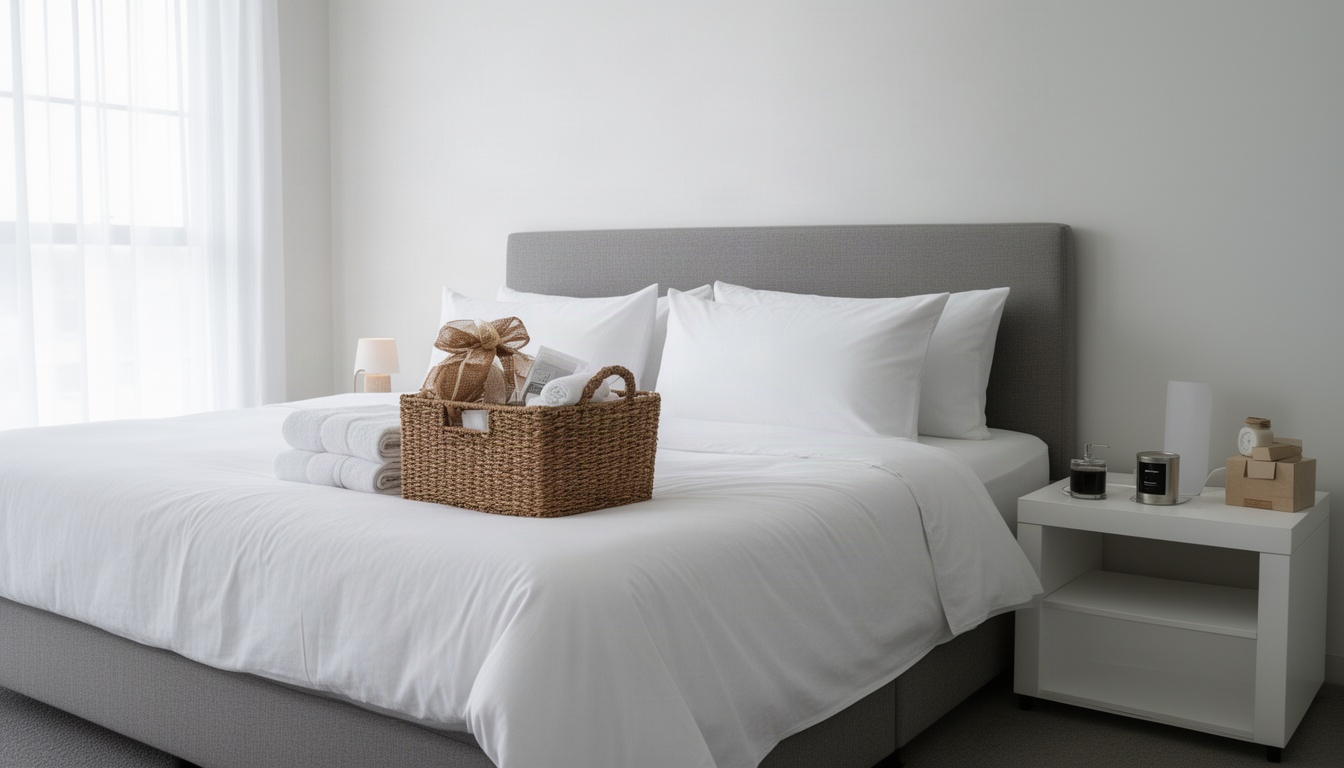
Welcome Basket (Optional but High-Impact): According to Guesty's research, even $10 in snacks can spark positive reviews. A welcome basket with local treats or breakfast basics signals thoughtfulness without breaking the budget.
Cost Breakdown by Tier:
| Category | Budget | Mid-Range | Premium |
|---|---|---|---|
| Furniture & Bedding | $250 | $500 | $1,000+ |
| Kitchen & Dining | $150 | $300 | $600+ |
| Bathroom & Linens | $100 | $200 | $400+ |
| Safety & Supplies | $50 | $100 | $150+ |
| Welcome Basket | $10 | $15 | $25+ |
| Total | $560 | $1,115 | $2,175+ |
Key Takeaway: Budget accordingly for physical setup. Minimum: 2 sheet sets per bed, 2 towels per guest, working WiFi, smoke/CO detectors. Welcome basket ($10–$15) drives disproportionate review impact.
Phase 4: Guest Operations Checklist – Check-In, Communication, and Reviews
Your operational systems determine whether guests become 5-star reviewers or leave complaints. This phase takes 2–3 hours to set up.
Pre-Booking Systems:
- Create welcome message template (3–4 sentences covering check-in code, WiFi, one local tip)
- Draft house rules document
- Create detailed check-in instructions with photos
- Set up automated messaging for common questions
- Create checkout instructions checklist
Sample Welcome Message: "Hi [Guest Name]! We're thrilled to host you. Your check-in code is [CODE] – the keypad is on the front door. WiFi password is [PASSWORD]. Pro tip: The coffee shop on 5th Street opens at 7am and has amazing pastries. Let us know if you need anything!"
During-Stay Systems:
- Respond to all messages within 1 hour (target: 30 minutes)
- Check in via message 2–3 hours after guest arrival
According to Airbnb's documentation, hosts who respond to 90% of new messages within an hour receive a "Responsive" badge, which improves search ranking.
Post-Checkout Systems:
- Send review request message within 30 minutes of checkout
- Follow up 3 days later if no review received
According to Airbnb's host resources, reaching out promptly after checkout significantly increases the likelihood guests will leave a review while their experience is fresh.
Cleaning and Turnover:
- Schedule 6-hour minimum between bookings
- Refresh linens, towels, and consumables between every stay
- Take photos of clean space before next guest arrives
Key Takeaway: Respond within 1 hour to maintain "Responsive" badge. Send review request within 30 minutes of checkout. Schedule 6-hour turnover minimum.
What Does It Cost to Set Up an Airbnb for the First Time?
Phase 1: Legal & Insurance
- STR permit: $150–$500 / Business registration: $0–$100 / STR insurance (first month): $30–$60
- Subtotal: $180–$660
Phase 2: Listing Setup
- Professional photography: $200–$500 / Listing optimization tools (optional): $0–$50
- Subtotal: $200–$550
Phase 3: Physical Supplies
- Furniture & bedding: $250–$1,000 / Kitchen & dining: $150–$600 / Bathroom & linens: $100–$400 / Safety equipment: $50–$150 / Welcome basket: $10–$25
- Subtotal: $560–$2,175
Phase 4: Operations
- Smart lock (optional): $100–$300 / Management software (optional): $0–$50/month
- Subtotal: $100–$350 (one-time)
Total First-Time Setup: $1,040–$3,735
Most first-time hosts spend between budget-friendly and mid-range amounts for a standard setup. According to AirDNA's multi-market analysis, costs vary significantly by location and property type.
Ongoing Monthly Costs:
- Airbnb service fee: 3% of booking subtotal / STR insurance: $30–$60/month / Cleaning supplies: $20–$40/month / Utilities (if included): $50–$150/month / Maintenance & repairs: $50–$100/month
- Total: $150–$350/month
Finding Support for Your Airbnb Setup
Rare Rentals offers a Zero-to-Superhost STR Toolkit specifically designed for first-time hosts launching their initial property, including permit research resources, listing optimization templates, supply checklists, and guest communication frameworks. For hosts managing out-of-state properties or spending 20+ hours monthly on guest communication, Rare Rentals also provides co-hosting services that handle check-in coordination, guest messaging, and cleaning supervision.
Frequently Asked Questions
How long does it take to set up an Airbnb listing from scratch?
2–4 weeks total. Airbnb's onboarding documentation says listing setup takes a few days to a week, but permit approval adds 2–4 weeks; NYC registration alone can take that long.
Do I need a permit or license to host on Airbnb?
Yes, in most major cities. NYC's Local Law 18 requires registration before listing. Los Angeles requires a Home Sharing registration and restricts hosting to primary residences only. A 10-minute call to your city hall is far cheaper than a $7,500/day fine.
What is the biggest mistake first-time Airbnb hosts make?
Skipping the legal phase. Most beginner checklists focus on supplies and photos but ignore permits and insurance, creating liability exposure and regulatory risk. The second mistake is leaving rates too low after the first five reviews instead of raising them incrementally.
Should I use Airbnb's smart pricing or set my own rates?
Set your own rates for the first 30–60 days. Smart Pricing may set rates lower than optimal for new hosts without review history. Once you have 10+ reviews and understand your market, Smart Pricing becomes more effective.
Can I manage my Airbnb setup with a co-host or property manager?
Yes. According to Airbnb's co-host documentation, co-hosts can manage your listing, respond to guests, handle check-ins, and coordinate cleaning. Co-hosts are typically paid 10–25% of revenue; property managers charge 25–50% but handle all operations.
Ready to Get Started?
For personalized guidance, visit Rare Rentals to learn how we can help.
Conclusion
Your first Airbnb setup is a four-phase process: secure legal permissions, build your listing, prepare your physical space, and establish guest operations systems. The total timeline is 2–4 weeks; the total cost varies based on your choices and location.
Don't skip the legal phase – permits are mandatory in major cities. Start pricing 15–20% below market, earn your first five reviews, then raise rates incrementally. Invest in professional photography if your budget allows. Respond to guest messages within one hour, and send a review request within 30 minutes of checkout.
If managing setup feels overwhelming, consider toolkit resources or co-hosting support. The investment in guidance often pays for itself through optimized pricing and reduced vacancy. Start with permits, then build your listing, then prepare your space. Your first booking is closer than you think.